Microbox BRIDGE – Scanning on Demand
MICROBOX Bridge verbindet Anfragende, Archivmitarbeitende und Digitalisierung in einem durchgängigen Workflow.

MICROBOX Bridge is an archive digitization workflow built for archives, libraries and memory institutions.
Scan on Demand Workflow for Efficient Archive Digitization
MICROBOX Bridge helps archives, libraries and memory institutions manage digitization requests in a structured way. In doing so, the platform brings request management, archive digitization, quality control and delivery of digital copies together in one central system. As a result, every step of the digitization workflow happens in one connected place, rather than across several separate tools.
Challenges Archives Face Today
Growing volumes of reproduction orders and requests to digitize archival material present archives with real challenges. At the same time, researchers, citizens and public authorities expect fast access to documents and historical sources. On top of that, archives also need to document processes, search their holdings, organize scan orders and deliver digital copies. For this reason, MICROBOX Bridge was built specifically to bring these tasks together.
Digitization on Request, Not by Default
With this workflow, targeted archive digitization finally becomes possible: archival material is only digitized once actual demand exists. Because of this, archives can use their resources more efficiently while still offering a modern self-service option to users. In other words, effort goes only where it is actually needed.
How the Digitization Workflow Works in Practice
Through the built in request portal, digitization requests can be recorded and processed directly. Alternatively, bulk imports or existing systems can be connected instead. Either way, every request runs through the same workflow and therefore stays traceable at any time.
While a request is being processed, staff keep a clear overview of open orders, ongoing digitization and completed cases. Additionally, from research through scanning to delivery of the finished digital copies, every step is documented and managed centrally.
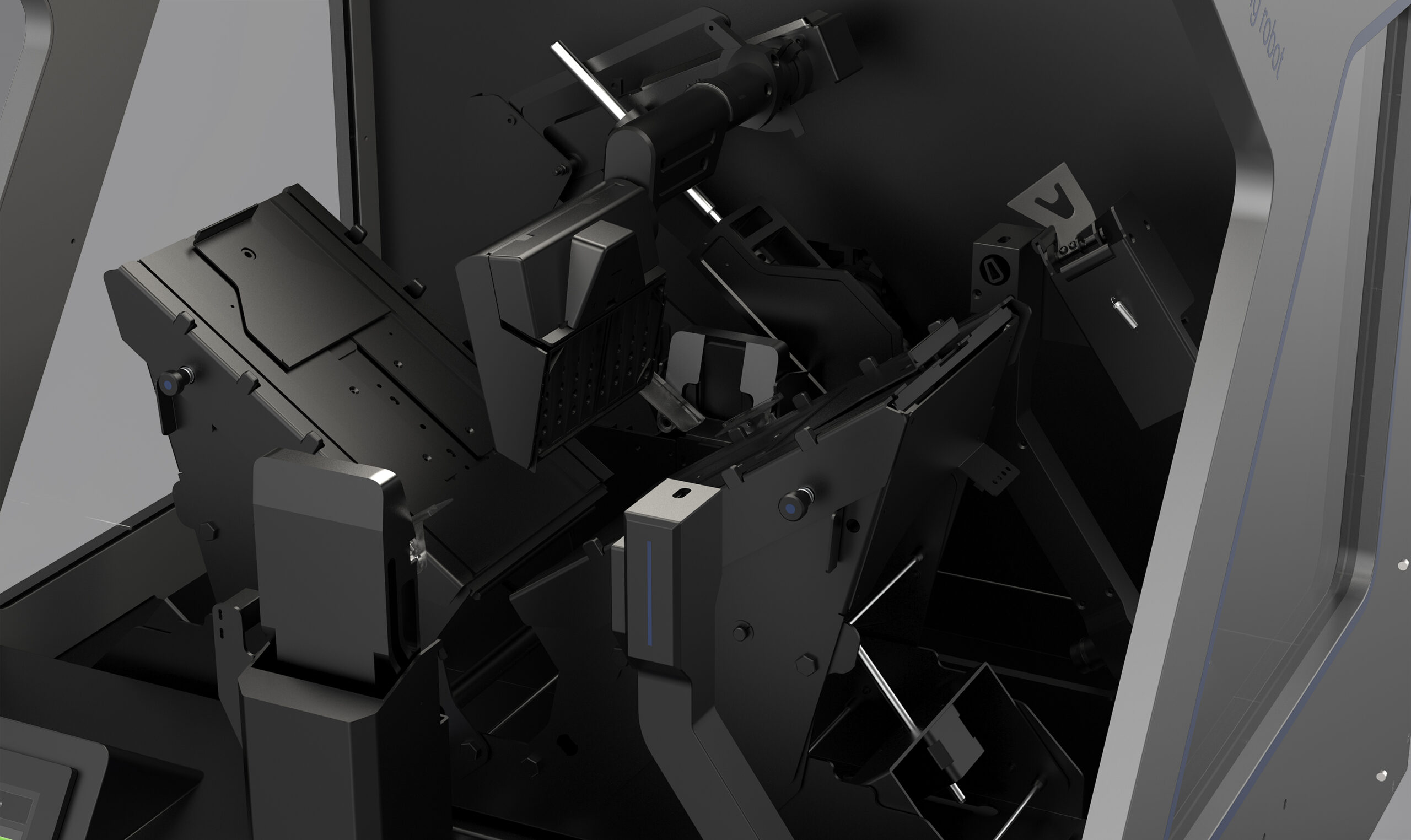
For archive digitization itself, archives can use existing book2net systems such as book2net ARGUS, the book2net Falcon or other book2net archive scanners.
Built for Every Type of Archive
As a result, MICROBOX Bridge fits municipal archives, state archives, university archives, church archives and specialized archives alike. This way, the scan on demand workflow helps these institutions process digitization requests faster, cut administrative overhead and deliver archival material online more efficiently. You can explore a live demo of the workflow at any time.
Features
Intro
MICROBOX Bridge maps the entire scan on demand process for archive digitization in one central application.
From request to delivery, every step is tracked digitally. Staff always have an overview of open cases, processing status and completed orders, with digitization requests, scanning and delivery brought together in a single workflow.
Workflow Module
- Status driven request process (New, Waiting Room, Requested, Picked Up, Checked, Scanned, Shipped, Stored, Completed)
- Cancel and reset options for corrections and exceptions
- Bulk actions for multiple requests at once
- Status overviews with search filters for each processing step
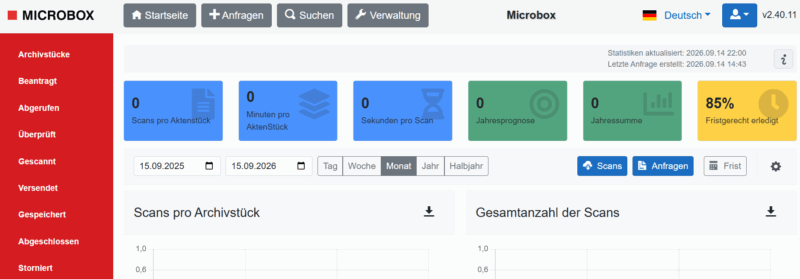
- Dashboard with key figures on scan production
Digitization Request Intake
Digitization requests can enter the system in three ways:
- Web portal
- CSV bulk import
- API connection
Regardless of the entry channel, all requests run through the same digitization workflow. This creates a central overview of all ongoing and completed requests, matching the concept from your original draft.
Research Portal for External Users
Archives can give their users digital, self-service access to order digital copies of archival material.
Researchers, citizens or administrative staff can submit digitization requests through the portal and track their processing status.
Each request is assigned directly to the relevant workflow.
Administration
MICROBOX Bridge provides key figures and status information centrally.
The dashboard supports:
- Overview of ongoing orders
- Processing status
- Scan volume
- Turnaround times
- Reporting
This keeps workload and digitization progress transparent at all times, as also shown in the dashboard concept.
Contact Us
